














For general contractors and subcontractors
Build your payroll from clock-ins, not texts
Construction time tracking that runs on paper logs and Friday texts takes hours each week and gets the wrong project billed. Time puts a digital time clock in every worker's pocket, linked to the company's SMARTBUILD projects, so every hour is charged to the right job the moment it happens.
Timesheets get built from memory at the end of the week
Foremen often track hours in their heads until Friday, then text them in from the truck. Someone types them into a spreadsheet before payroll closes, and somewhere in that chain a project gets the wrong hours.
The process is the problem.
| Paper + spreadsheet | Standalone timeclock app | smrtTime |
|---|---|---|
| Paper + spreadsheetHours remembered and typed in at the end of the week | Standalone timeclock appDigital clock-in with no link to projects or cost codes | smrtTimeClock-ins linked to a project and cost code in real time |
| Paper + spreadsheetNo way to confirm the crew was on site | Standalone timeclock appGPS stamp, but the data sits outside the project system | smrtTimeGPS location captured at clock-in and shown against the project address |
| Paper + spreadsheetPayroll needs manual re-entry from the spreadsheet | Standalone timeclock appExport to CSV and re-import to payroll, one more step to get wrong | smrtTimeHours flow straight to timesheets ready for review |
| Paper + spreadsheetOvertime noticed after payroll has run | Standalone timeclock appOvertime alerts, if someone sets them up | smrtTimeOvertime prompt at clock-in, before the hours are worked |
The problem is the timesheet process
The right hours on the right project, the first time
| Today | On smrtTime |
|---|---|
| TodayHours tracked: memory and Friday texts | On smrtTimeHours tracked: GPS-stamped clock-in, linked to the project |
| TodayOvertime discovered: after payroll runs | On smrtTimeOvertime flagged: at clock-in, before the hours accumulate |
| TodayTimesheet disputes: no record either way | On smrtTimeTimesheet disputes: timestamped, GPS-verified, project-linked records |
One bolt-on | One price
Everything your team needs to track hours from clock-in to payroll
Hours are tracked without paper, spreadsheets or Friday texts. Time was built by a GC who watched hours get rebuilt from memory every Friday for 30 years, and every feature came from that experience.
TIME CLOCK
Clock in from the field to the right project
Every clock-in is linked to a SMARTBUILD project and cost code, so nothing has to be re-entered or guessed at the end of the week.
- Mobile clock-in and clock-out from any smartphone, linked to the active project
- GPS location captured at clock-in so the record shows where the crew actually was
- Overtime prompt before hours start, so the decision is made before any cost is incurred
- Manual time entry for foremen adding hours for the crew at end of shift
KIOSK MODE
One shared tablet clocks in the whole crew
A shared device on the job site so workers without smartphones can clock in without individual logins.
- Kiosk mode turns any tablet or shared device into a crew time clock
- Facial recognition verifies the worker is who they say they are at clock-in
- Workers clock in through the kiosk in seconds without an individual login
SCHEDULING
Schedule the week ahead and compare it to actual hours
The weekly schedule can be viewed by employee, project, or crew, with overtime projections before the week begins.
- Weekly schedule view by employee, project, or crew group
- Overtime projections visible before the week starts, so shifts can be adjusted early
- Schedule templates built from past weeks so recurring jobs don't get rebuilt from scratch
- Crew scheduling assigns a full crew to a project in one step
TIME OFF AND APPROVALS
Time-off requests submitted, tracked, and approved in one place
Eight time-off types are built in: vacation, sick, personal, bereavement, jury duty, military, unpaid, and other.
- Employees submit time-off requests directly in SMARTBUILD without paper forms
- Managers approve or deny with notes, and the schedule updates automatically
- Time-off blocks appear in the schedule grid so coverage gaps are visible before they happen
TIMESHEETS AND REPORTS
Timesheets ready for review with hours on the right job
Every hour is tied to a project and cost code, so job costing and payroll pull from the same record.
- Timesheet review by employee, project, or date range, with no manual compilation
- Cost codes assigned at clock-in so hours flow directly into SMARTBUILD job costing
- Export timesheets directly to payroll without a spreadsheet in between
- Audit report shows every clock-in and clock-out with GPS location and timestamp
Connected time tracking
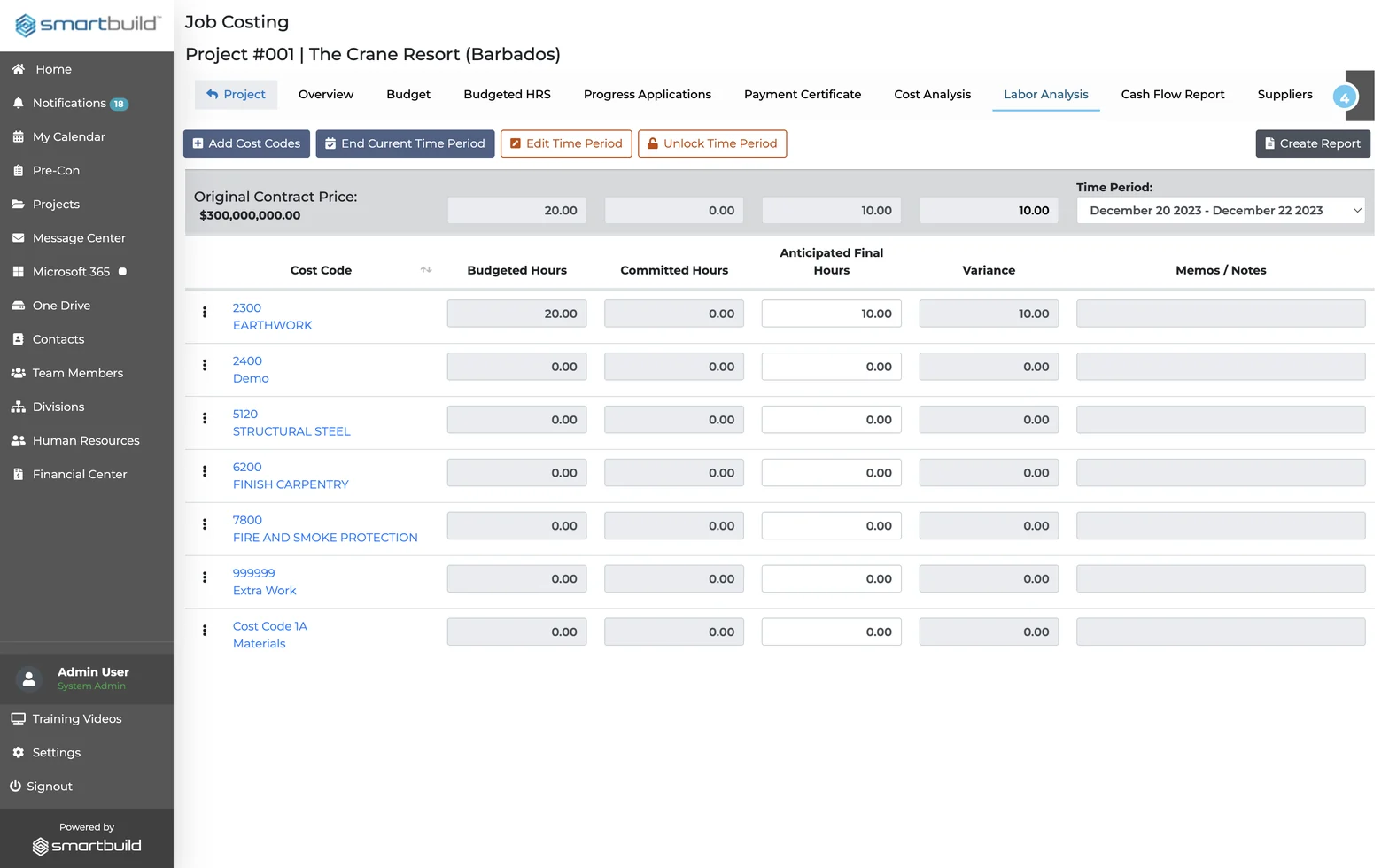
A standalone timeclock app records the hours. Time also records the project, the cost code, and the GPS location. Every clock-in flows directly into job costing, so the hours in payroll match the hours in the project financials.
Questions field teams ask before adding Time
What is construction time tracking software?
Construction time tracking software digitally records when workers clock in and out, which project they are working on, and how many hours are charged to each job. Time does this inside SMARTBUILD so hours feed directly into project job costing without manual re-entry.
How does GPS time tracking work in construction?
Every clock-in through Time captures the worker's GPS location at the moment they start. Managers see whether the clock-in happened on site or off. That location stays in the record if hours are ever disputed.
What is the difference between a clock-in record and a timesheet?
A clock-in is the real-time record of when a worker started and stopped. A timesheet is the weekly summary used for payroll. Time builds the timesheet from every clock-in, with no manual re-entry.
How does construction time tracking software connect to job costing?
Workers select their active project and cost code at clock-in. Those hours flow directly into the project's labor costs in SMARTBUILD. Payroll and job costing draw from the same record, with no separate data entry step.
How is Time different from a paper timesheet or a basic timeclock app?
Paper timesheets are built from memory at week's end. Basic timeclock apps record hours but don't connect to a company's projects. Time records the clock-in, project, cost code, and GPS location in real time inside SMARTBUILD.
What does construction time tracking software cost?
Construction time tracking software ranges from per-user to flat-fee pricing. Time is a flat-fee bolt-on to smrtGC or smrtSUB, with one price for the full team across every project. Contact us for current pricing. No long-term contract is required.
See Time from clock-in to payroll
The demo follows one clock-in from the gate to a cost code, through approval, and out as a payroll export.
- This flat-fee bolt-on covers unlimited users and projects, with no long-term contract required to start.